
Why I built it
Ever since Shannon, I look up when a plane goes over. A flight-tracking app answers the question, but it means taking a phone out, opening a map and searching. I wanted the answer to simply be there, on the wall, the way a departure board is just there in a terminal.
Ready-made displays exist, and I like them. But I already ran my own receiver, and an old tablet was sitting in a drawer. So the idea became: recycle the tablet, use my own station’s data, and make the whole thing free and open for anyone with the same parts. That is ZenithBoard, the board that shows what is at your zenith.
What the wall shows
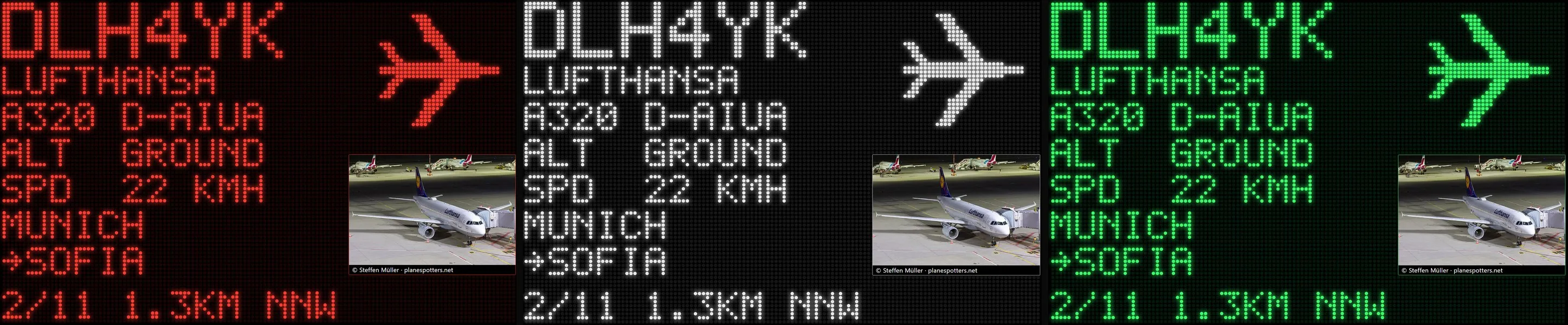
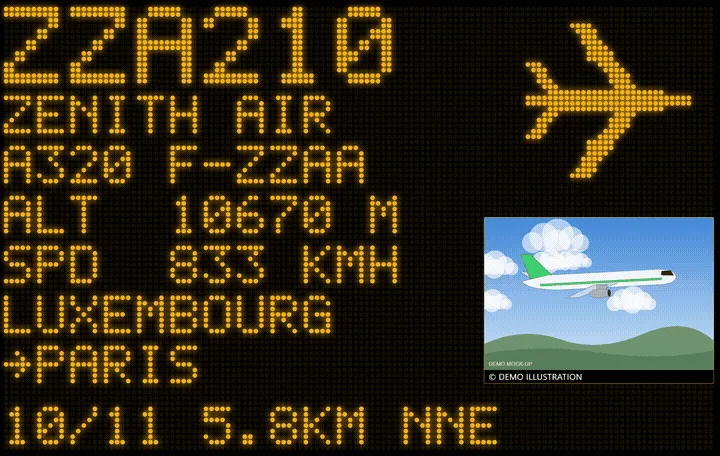
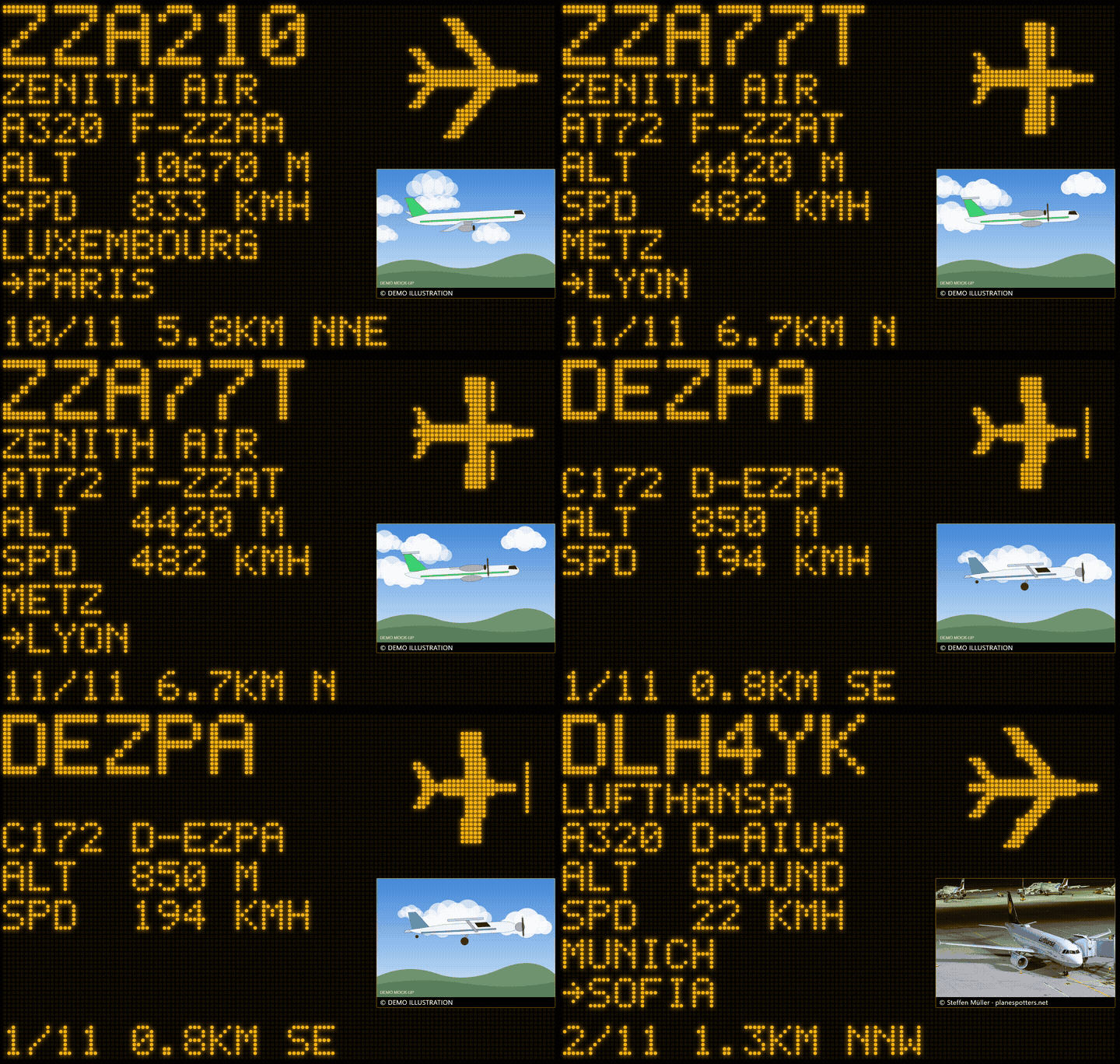
- Callsign and airline, in large dot-matrix letters.
- Aircraft model and registration, with a dotted silhouette that matches the type: airliner, business jet, turboprop, helicopter, light aircraft, military.
- Altitude and speed, in metric or imperial units.
- Where it comes from and where it goes, looked up from the callsign.
- A real photo of that very aircraft from Planespotters.net, credited to its photographer, or an animated sky that follows the time of day.
- Distance and direction from the antenna. The wall cycles through every aircraft in the radius I choose.
- Two looks: glowing dot matrix, or an old airport split-flap board where every letter flips into place, row by row, when the next aircraft arrives.
Play the demo animation (GIF, 2 MB)
Watch it
The whole idea in 100 seconds: what you need, and what the wall shows.
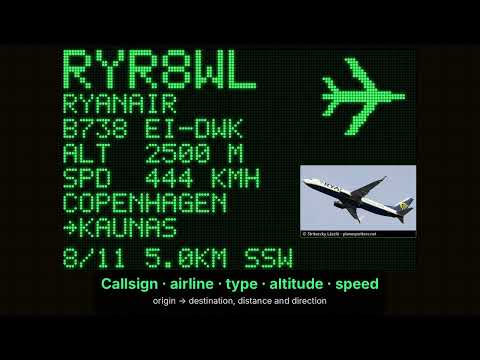 ZenithBoard in 100 secondsWatch on YouTube
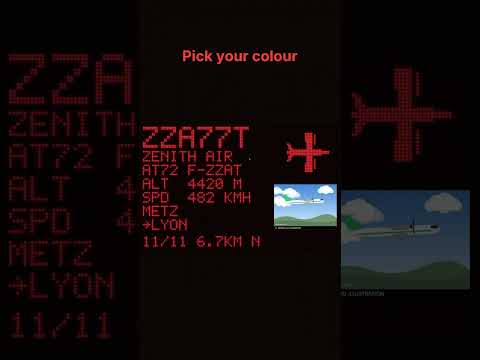
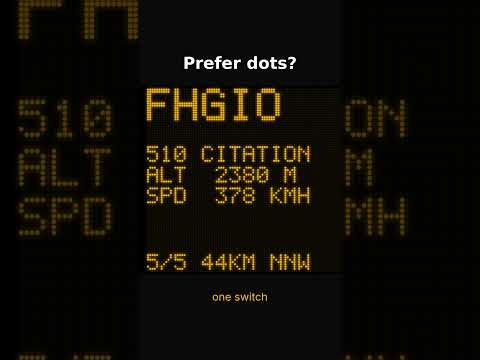
And two Shorts: the 38-second tour, and the new split-flap look, where the letters roll one by one like an old airport departure board.
Seen from my window
From Iceland to Basel-Mulhouse, at 10,000 m. Manchester to Milan, 4.3 km south, in the default amber.
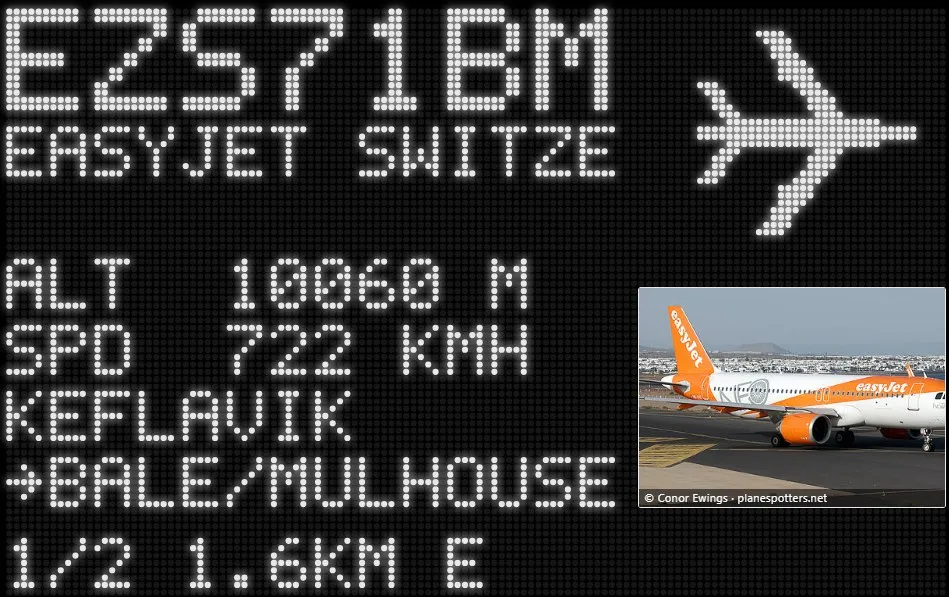
1 / 2 · From Iceland to Basel-Mulhouse, at 10,000 m. 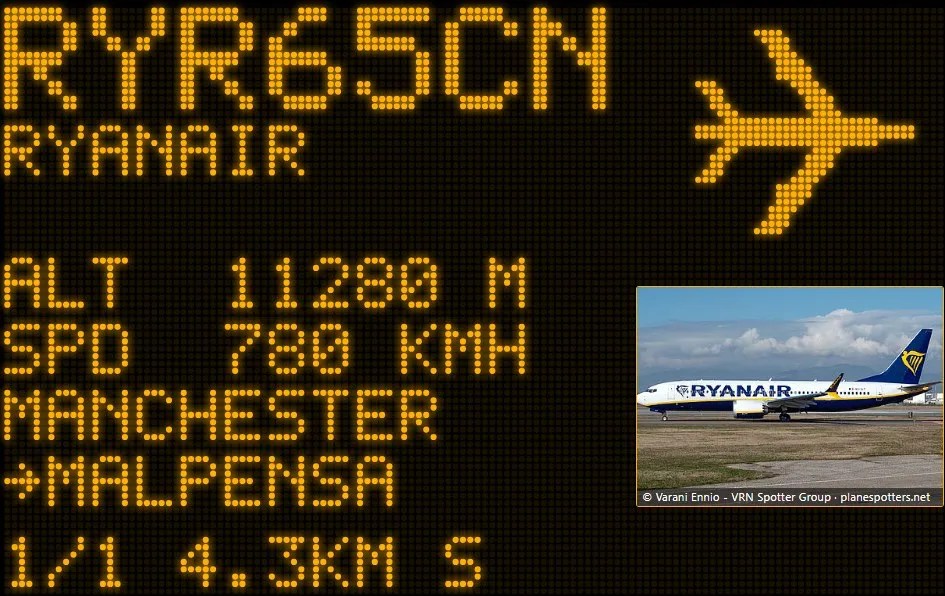
2 / 2 · Manchester to Milan, 4.3 km south, in the default amber.
What you need
- A Raspberry Pi (a Pi 4 is comfortable; a Pi 3 runs the receiver and the wall).
- An RTL-SDR USB dongle and a 1090 MHz antenna, ideally near a window or outdoors.
- Any old tablet, phone or screen with a web browser. Nothing is installed on it: it just opens a page served by the Pi.
One installer on the Pi does the rest, from a simple menu: the readsb decoder, sharing with ADS-B Exchange (and, if you wish, FlightAware, Flightradar24 and Plane Finder, with a single MLAT client so the Pi is not overloaded), and the wall itself. Units, radius, colour and the antenna position can be changed at any time, and one command updates everything. In the United States it also offers the 978 MHz UAT band used by many small aircraft. The same menu also sets up the network: Wi-Fi, a fixed IP address, and a free domain name (DuckDNS, No-IP or FreeDNS) to reach the wall away from home.
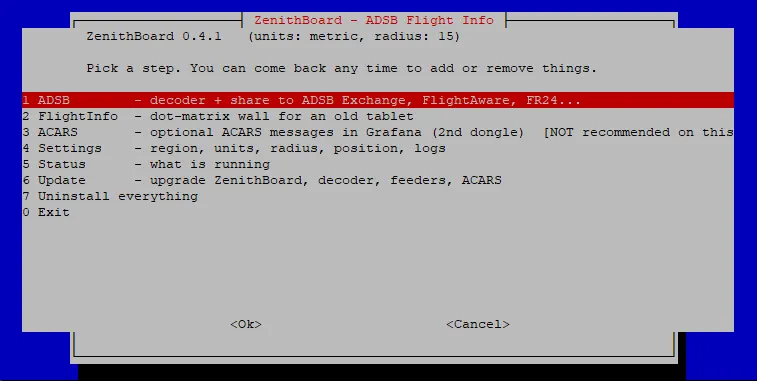
ZenithBoard is free and open source (GPL-3.0). The installation guide, screenshots and a demo mode that runs without any antenna are in the GitHub repository.
What’s next: no antenna at all?
Not everyone has a roof for an antenna. The next experiment is a standalone ZenithBoard: the same wall, fed by the open, community ADS-B networks instead of a local receiver, for one or several places you choose (home, the office, the holiday house) if their public APIs allow it. No dongle, no antenna, just a tablet. To be continued.
Published , updated .