
On the TV: Batocera on a mini PC
Batocera.linux turns an ordinary mini PC into a dedicated retro console: it boots straight into an EmulationStation-style front end, with no Windows underneath to fight with. The photos below are my own reference build, an HP EliteDesk mini PC with an Intel Core i5-6500 (6th generation), opened up to show what’s inside.
- Pick your hardware. Batocera’s own hardware guidance is a useful reality check on what a given CPU (and GPU) tier can drive: light, low-power chips comfortably handle everything up to the 6th/7th-generation consoles (NES through PS1/Saturn/N64-era systems and beyond) at full speed. Step up towards an i5-6500-class desktop chip, ideally paired with even a modest discrete GPU, and PS2, GameCube and Wii emulation becomes realistic too; anything above that tier opens the door further still, into PS3/Wii U territory, at the cost of a bulkier, hotter machine.
- Install Batocera. Follow the official installation guide: it covers writing the image to a USB drive or SSD and booting into it on PC hardware.
- Add your games, then scrape the library. Copy ROMs onto the machine and let it fetch box art and metadata automatically: see “Keeping the library tidy” further down this page.
My HP EliteDesk mini PC, the Batocera box under the TV. Opened up: the cooling fan and the 2.5-inch drive that hold the ROM library.
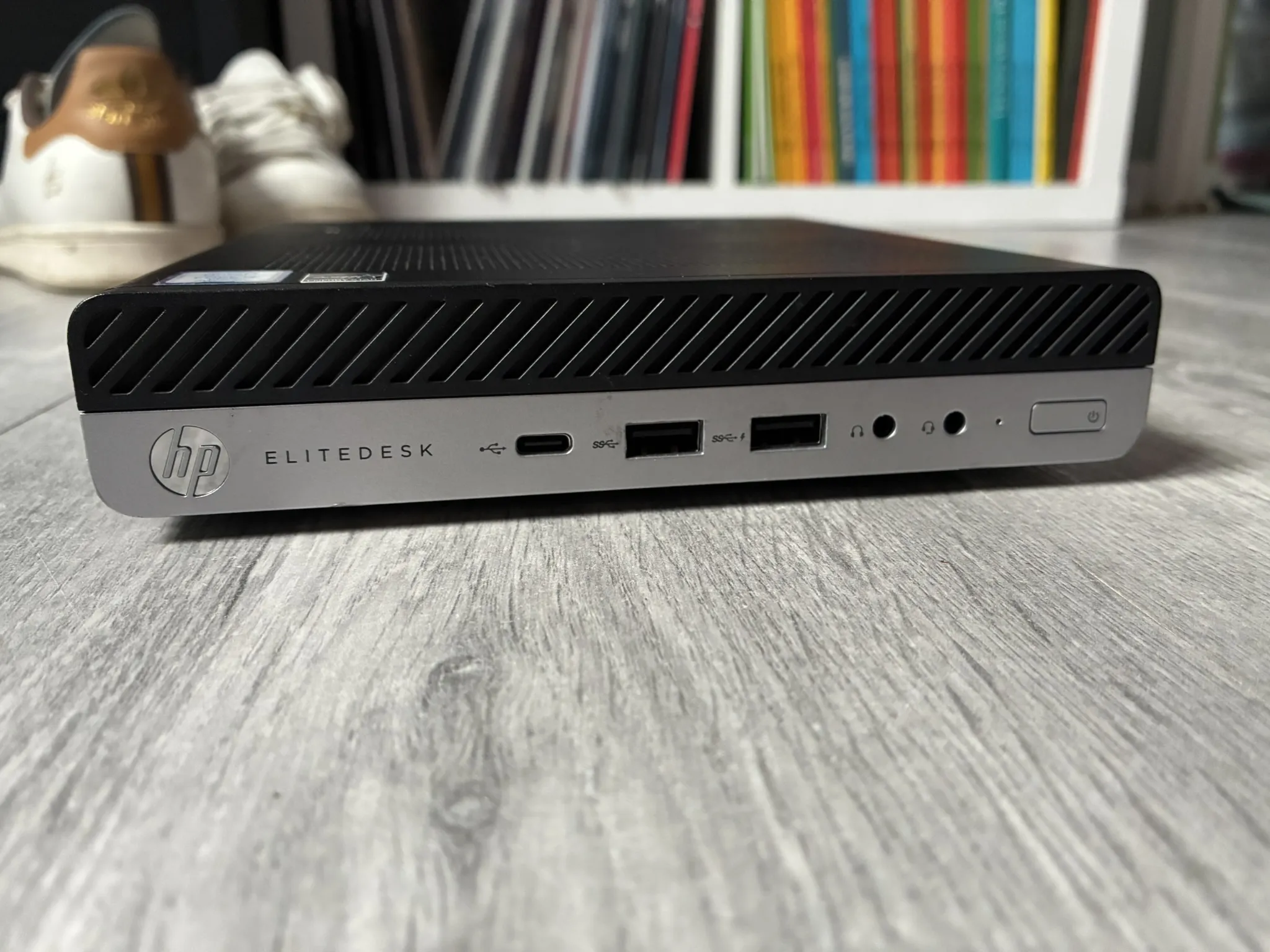
1 / 2 · My HP EliteDesk mini PC, the Batocera box under the TV. 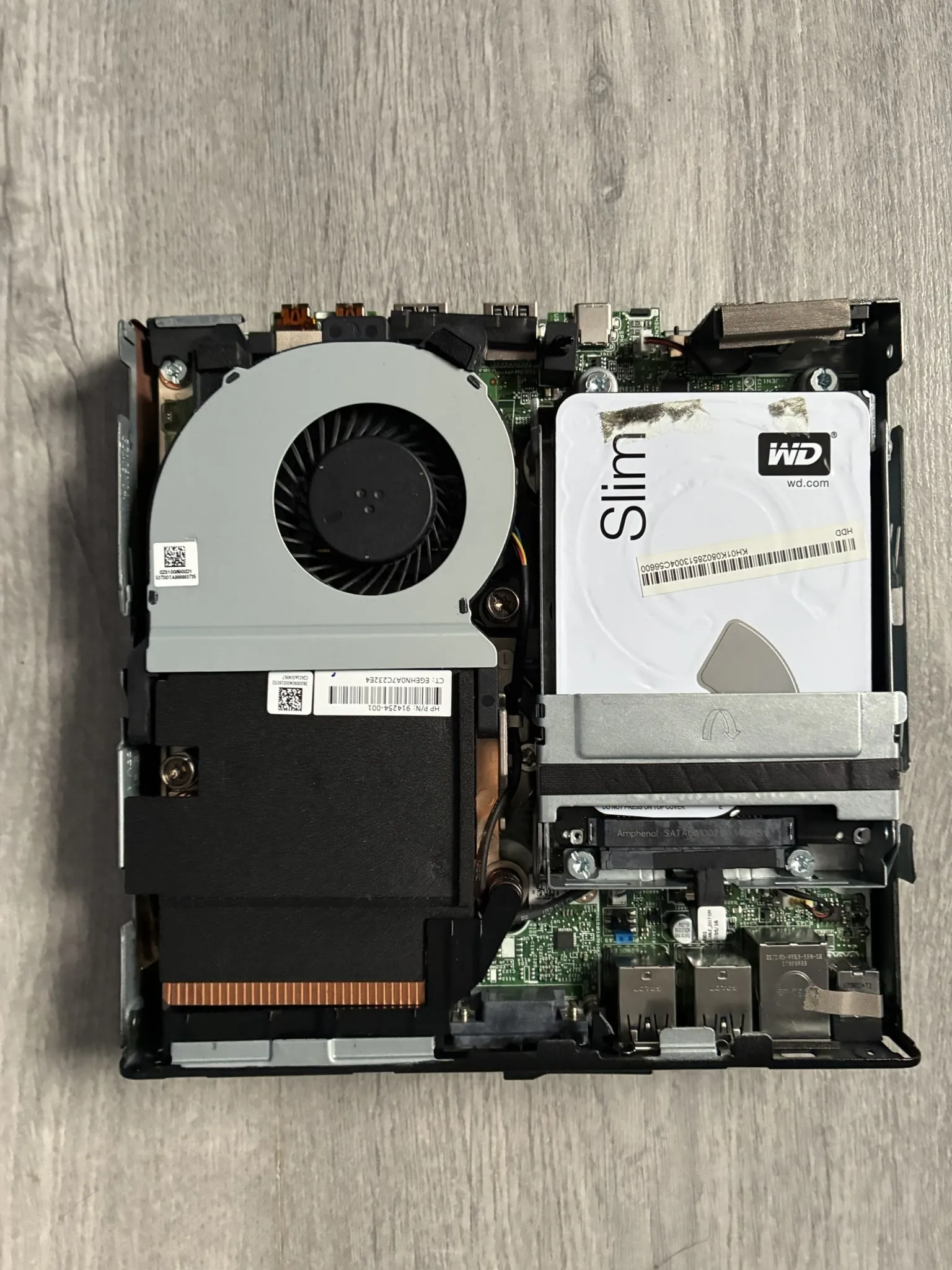
2 / 2 · Opened up: the cooling fan and the 2.5-inch drive that hold the ROM library.
On the go: Retroid Pocket 5 on ROCKNIX
For handheld play, I run a Retroid Pocket 5 on ROCKNIX, a community-maintained, EmulationStation-based OS built specifically for Android handhelds. It swaps the stock Android interface for the same kind of curated, console-like front end that Batocera gives a mini PC.
- Flash ROCKNIX to an SD card. Use ROCKNIX’s device-specific guide for the Retroid Pocket 5, alongside its general installation instructions.
- Boot from the card to get the same curated, console-like front end that Batocera gives the mini PC above, in your hand.
- Add your games, then scrape the library: the same ScreenScraper step covered below works identically here.
Keeping the library tidy: ScreenScraper
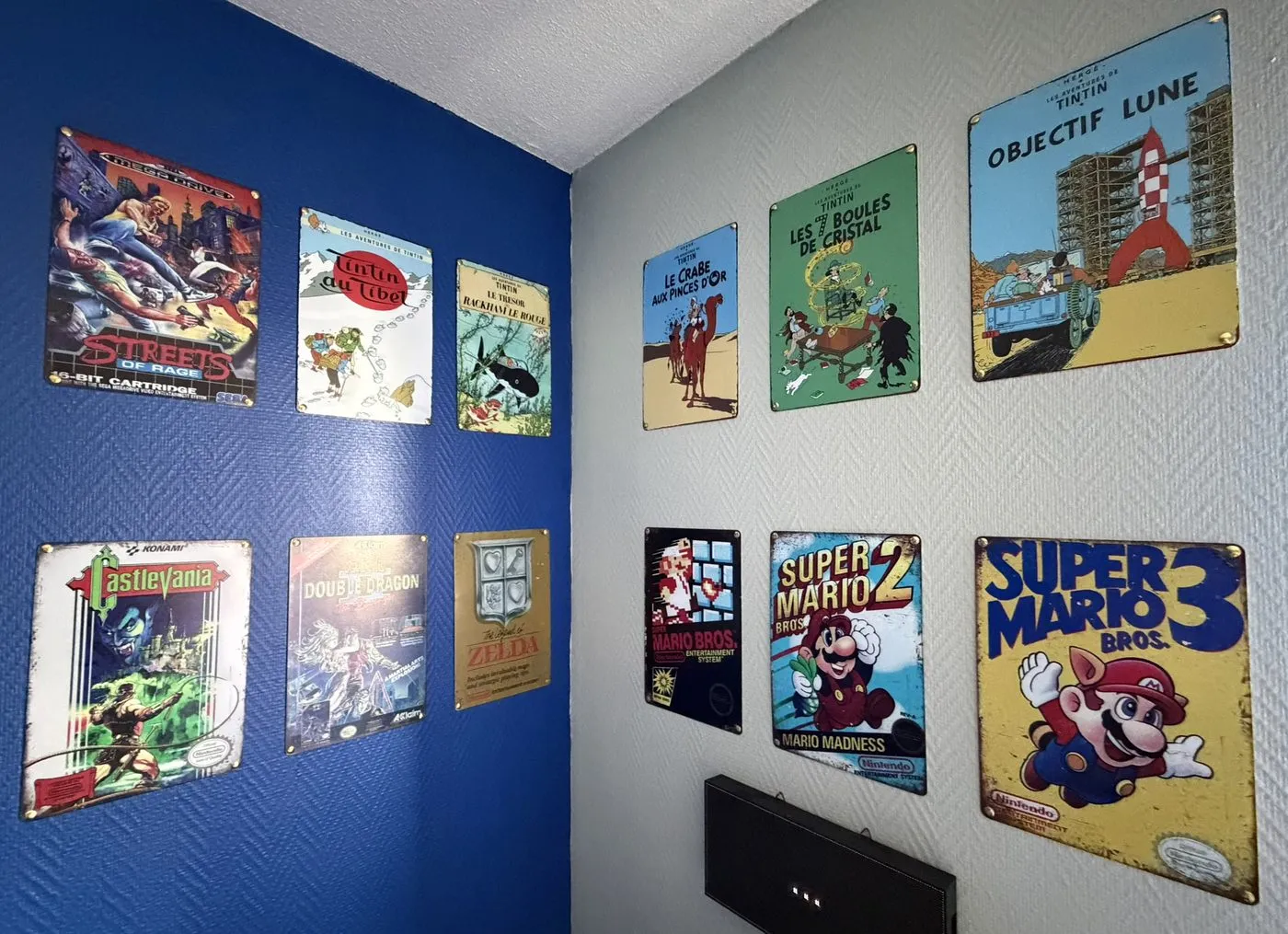
A big multi-system ROM collection turns into a wall of grey filenames without some care. ScreenScraper is the community database that both Batocera and ROCKNIX use as a media source: point EmulationStation’s built-in scraper at it and it pulls box art, screenshots, logos, descriptions and other metadata for each game automatically, turning a folder of files into a proper, browsable library.
From a couple of trips
The hobby travels well. A 40th-anniversary Super Mario Bros display, a visit to the Nintendo Museum, and Bowser keeping watch between the banners: a few stops from trips built partly around the games.
Super Mario Bros, 40 years. Getting there: the Shinkansen. Super Nintendo World. Bowser, keeping watch.
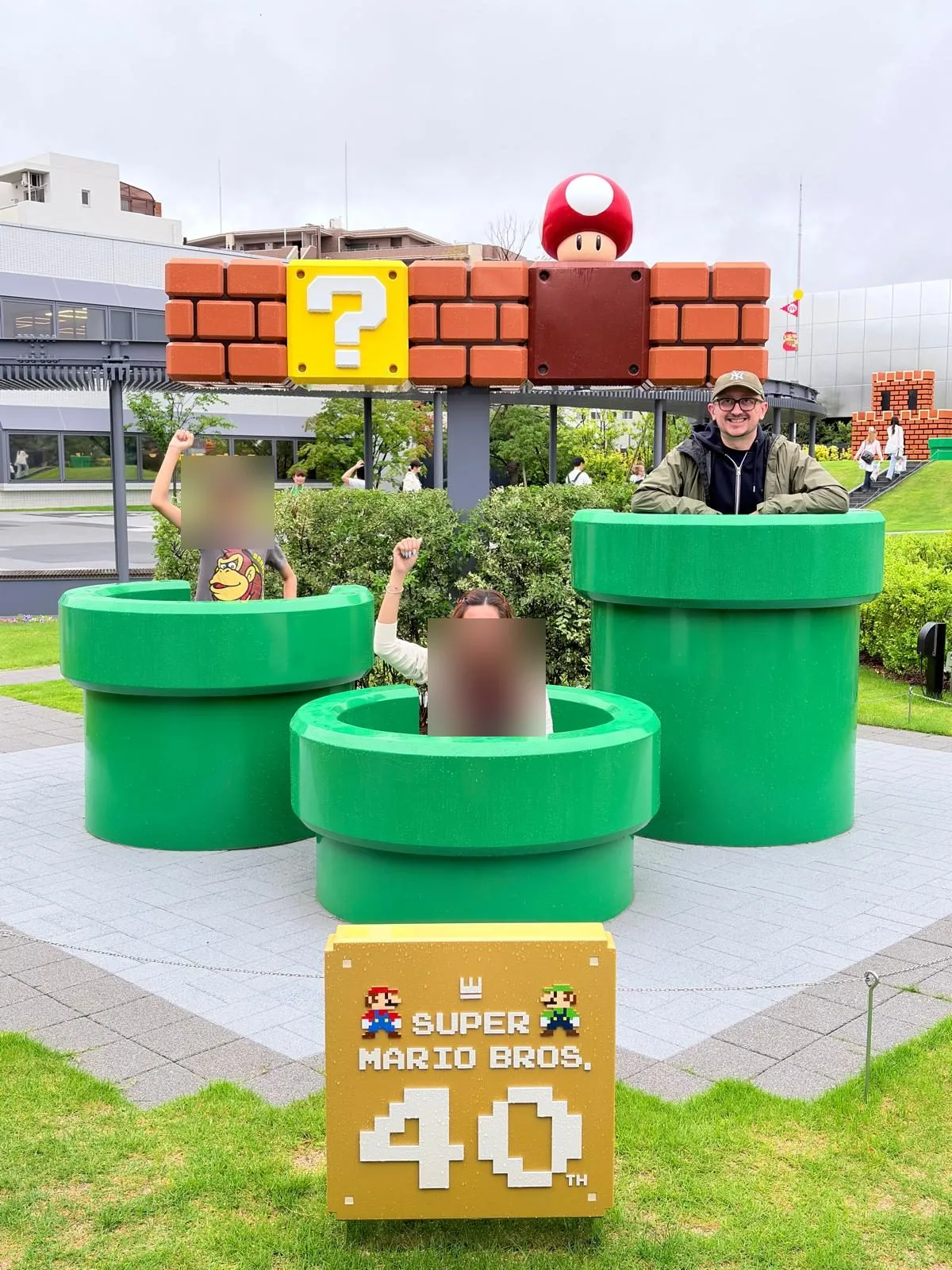
1 / 4 · Super Mario Bros, 40 years. 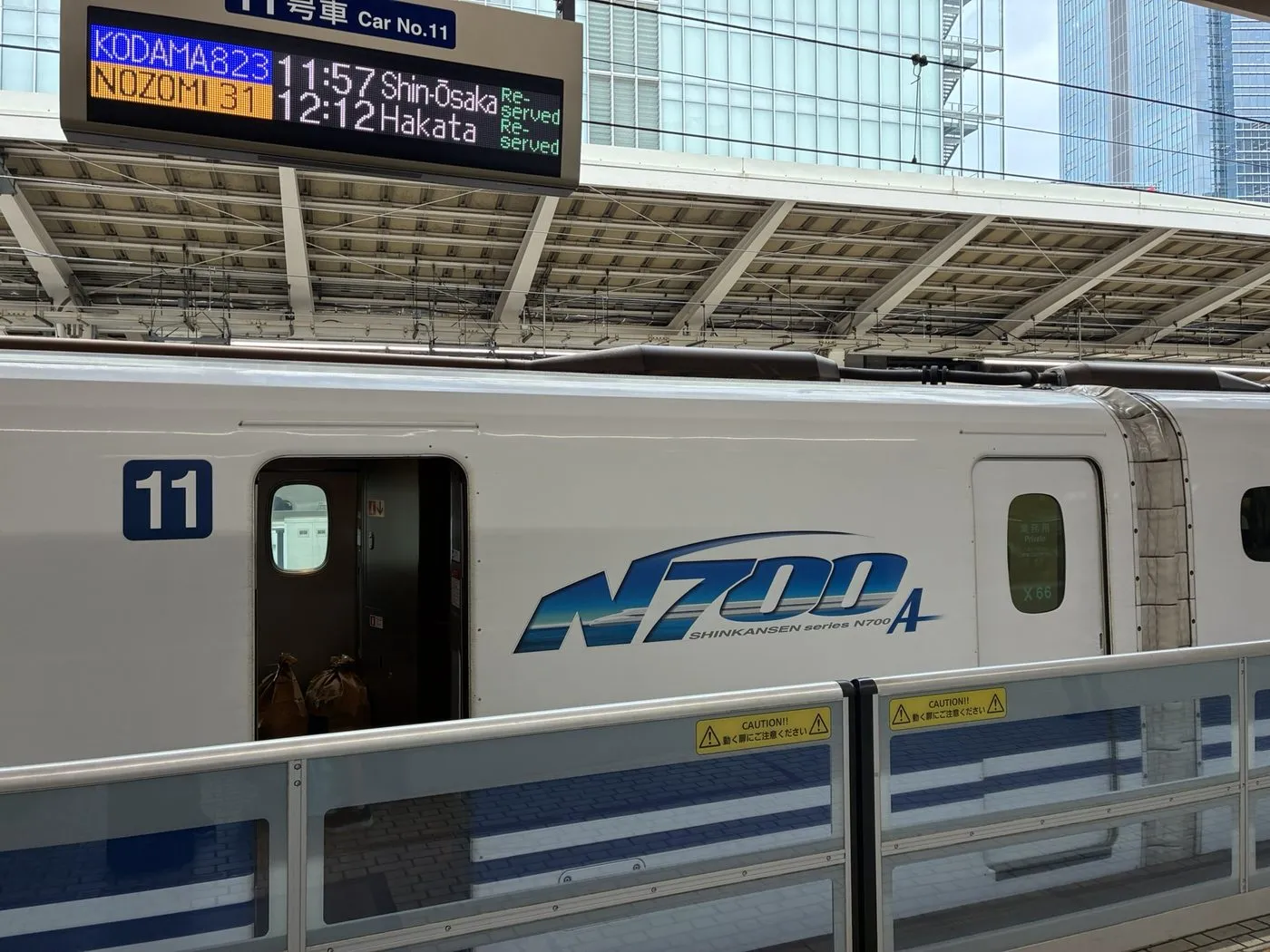
2 / 4 · Getting there: the Shinkansen. 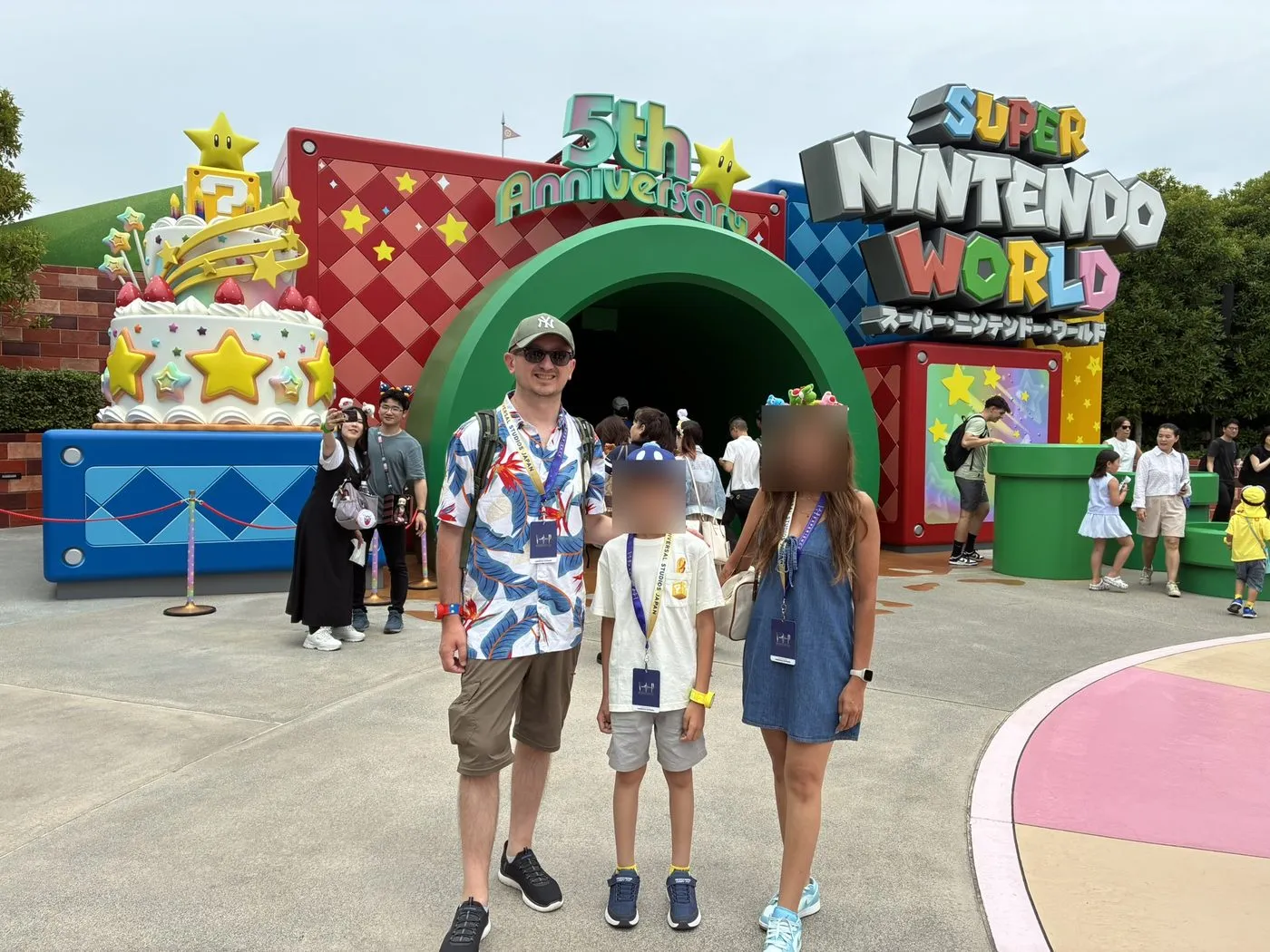
3 / 4 · Super Nintendo World. 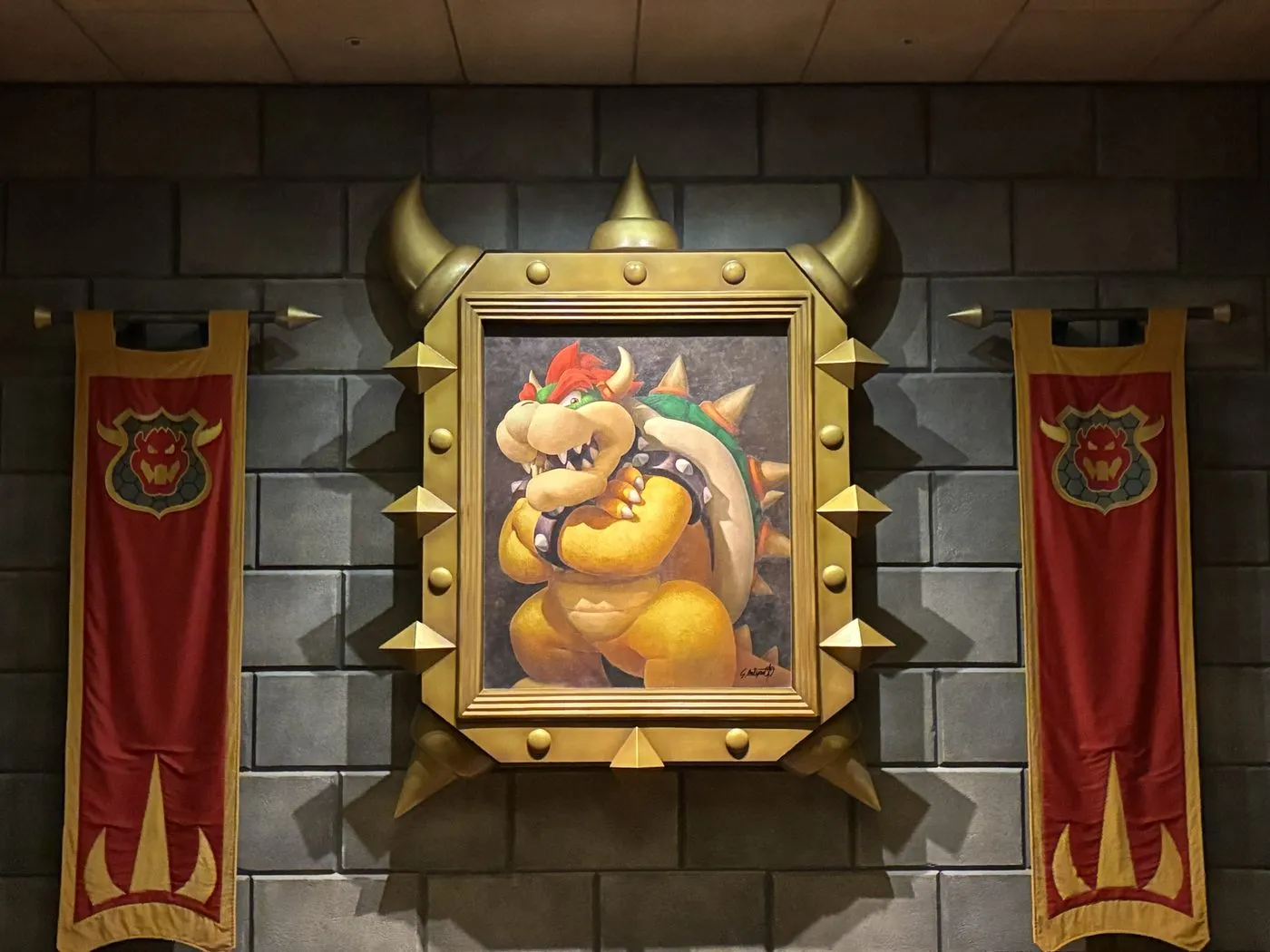
4 / 4 · Bowser, keeping watch.
From playing to building: Altiplume
Pixel art, strict rules and designs that still hold up decades later: that is what retro gaming taught me, and it is the inspiration behind Altiplume, my own cosy 8-bit game. You run an airmail aerodrome in the 1930s, in an invented world of high plateaus, lakes and lanterns.
I built it in under twenty-four hours with an AI coding agent writing the code while I set the rules, tested on my own devices and merged every change. The project is documented in an open technical report with a permanent DOI.
Published , updated .